Read your codes
Stored, pending and permanent codes, grouped so you can tell the difference between a fault happening now and one the computer is still watching. Each row shows the code, its plain-English label and a severity colour.
OBD-II scanner app
Connect a DriveDecode adapter, scan your car, and get an answer instead of a code number. Built for people who want to know what is wrong before they hand over the keys.
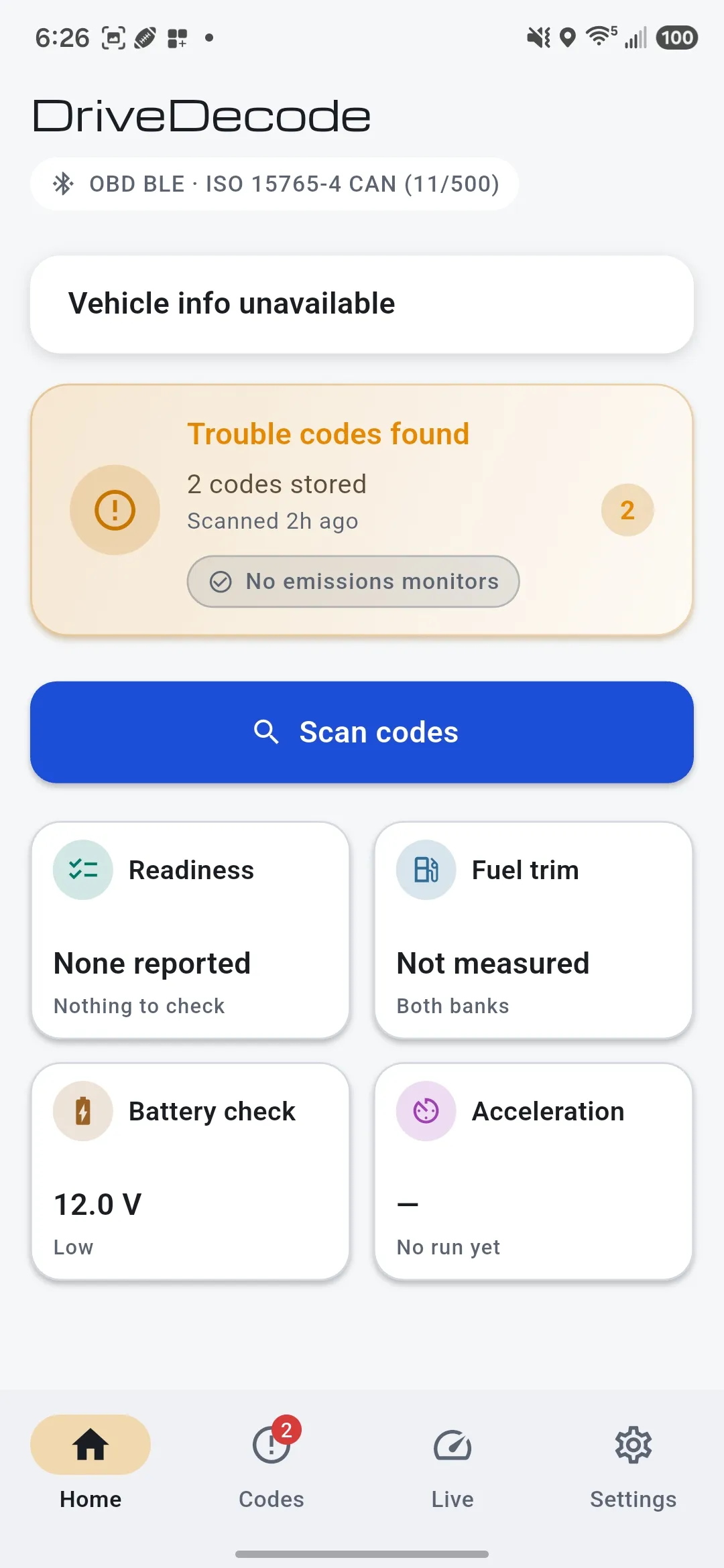
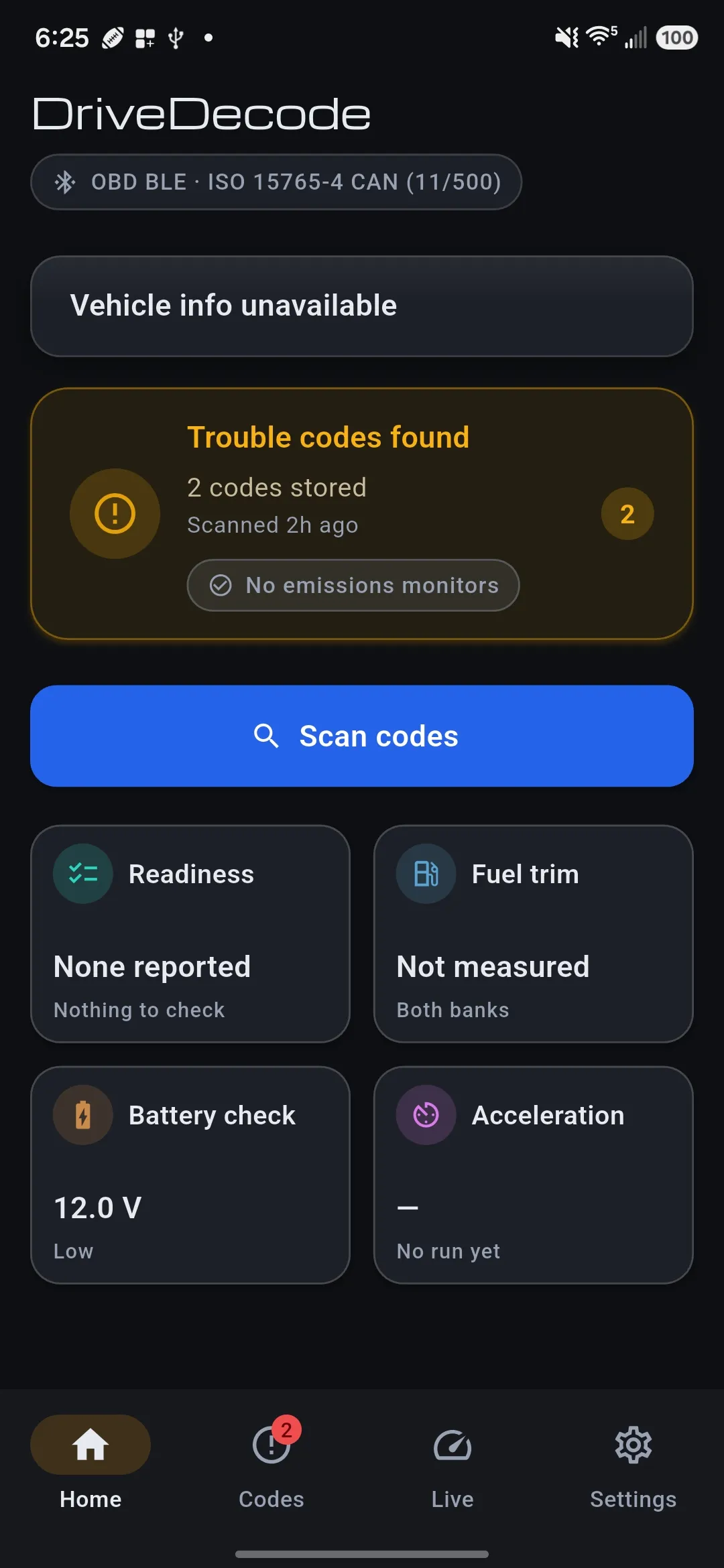
A DriveDecode adapter reads engine and emissions systems: the powertrain and emissions codes the OBD-II standard requires on every US vehicle it covers. It does not read ABS, airbag (SRS), TPMS or transmission-specific manufacturer codes. Those need make-specific decoding that generic OBD-II hardware cannot do.
The core of the app: read the car, explain what it said, and show you what it is doing right now.
Stored, pending and permanent codes, grouped so you can tell the difference between a fault happening now and one the computer is still watching. Each row shows the code, its plain-English label and a severity colour.
Open any code for what it means, ranked likely causes and what to check next, with a severity call on each one. Where the app is not sure, it says so in words rather than dressing a guess up in a confident voice.
Analyse a whole scan, or one code in depth, and DriveDecode reads the codes together with your car and the conditions it recorded: likelihood-ranked causes, what to check in what order, and how urgent it looks. It is a starting point, not a safety verdict: if the car drives badly, stop and have it checked. It runs only when you press the button, never on its own. There is a daily allowance, and when you reach it the app tells you when it resets rather than quietly getting worse. Every answer carries the same line: AI-generated from your scan data. Verify before replacing parts.
DriveDecode reads your VIN and decodes it to year, make, model and engine. That matters: around a fifth of trouble codes mean different things on different makes, and you get the definition for the car in your driveway.
The snapshot of engine conditions captured at the moment the fault set: speed, load, coolant temperature, fuel trims. It is the difference between "it misfires" and "it misfires cold, at idle, under no load".
Gauges grouped by what you are actually diagnosing rather than by category. Fuel trims sit next to load and airflow, because one without the other tells you nothing. Tap any gauge and the whole connection goes to that one reading, fast enough to watch a trim swing.
Every monitor marked ready, not ready or not supported, framed as the question you actually have: will this pass? It also shows progress for the current drive cycle, which is what you want after clearing codes or disconnecting the battery.
Checks that turn the same connection into an answer about a specific question, rather than another wall of numbers.
Reads your trims at idle and again at 2500 rpm, then reads the difference between the two. That comparison is what separates a vacuum leak from a weak fuel pump from a MAF reading low, and one number at idle cannot. It describes the shape of the fault rather than naming a part, because trims measure the correction, not the cause.
Resting voltage with the engine off, charging voltage with it running, and the two read as the different things they are. Plenty of modern cars deliberately hold 12.6–13.2V under light load to save fuel, so a low charging reading comes with the re-test that tells the two apart instead of an accusation about your alternator.
Times 0–60 and roll-ons from your car's own speed signal, with an honest account of the error: it uses the speedometer, which most makers set 1–3 percent optimistic, and it subtracts no drag-strip rollout. Closed course or private property only. The test starts and stops itself so there is nothing to press while you are moving.
Turn a code scan, a readiness check, a battery check or a fuel trim check into a PDF for a shop, an inspector or a buyer, or a CSV for a spreadsheet. Print it, share it, or preview it on screen first.
Pick the readings you care about and DriveDecode polls only those, back to back with nothing else on the line. Four at a time, in the order you picked them, so the first one becomes the large gauge.
Clearing is behind a real confirmation that explains what it does: turns the light off, resets your emissions monitors, does not repair the fault. If the problem is still there the light comes back on the next drive. Too many apps make this a one-tap mistake.
A gauge your car does not report reads "--" rather than a plausible-looking zero. If the code descriptions cannot be reached, you still get your codes, marked as codes-only. A report never prints "no check-engine light" when all it knows is that it could not read the lamp.
Connecting shows the actual steps, waking the adapter and then talking to your car, so when something stalls you can see where. "Connected but no vehicle" is its own state with its own instruction, because nine times out of ten the ignition is simply off.
Reading your car is a conversation between the adapter and the phone. The deeper read is the one thing that leaves, and only when you ask for it: on a single code it sends that code and the decoded description of your car, and on a whole scan it also sends the freeze frame and a snapshot of what the sensors read at that moment, because those are what make the answer about your car rather than about the code in general. Your VIN is never part of either. It is decoded on the device, so what travels is the year, make, model and engine, never the number itself.
Large targets, high contrast, a real dark mode, and one main action per screen. You are standing outside with the hood up, possibly in gloves, possibly in the sun.
The first screen offers "Explore with sample data". That runs the whole app against a simulated vehicle: a truck with a lit check-engine light and three stored codes, or a clean car, with no adapter, no account and no connection needed. Every screen works, and it is marked as sample data throughout, including on anything you export.
It is the same app you get with an adapter, running against a stand-in for the car. Nothing is simplified for the demo.
| Adapter | The DriveDecode M1 or Go, or a compatible Bluetooth LE ELM327 adapter. DriveDecode connects over Bluetooth LE, so a Bluetooth Classic adapter will not pair |
|---|---|
| Vehicle | With the M1: 1996 or newer, sold new in the United States. With the Go: 2008 or newer, because that board speaks CAN only |
| Phone | iOS 15 or later, or Android 8 or later |
| Account | None needed. Trouble codes, live data, freeze frame and readiness monitors work without signing in |
| Subscription | None for diagnostics. DriveDecode Pro adds AI analysis of your codes, and an adapter comes with months of it |
There is nothing to activate and nothing to redeem on this site. Mac and Windows versions are planned after the phone release, and neither is out yet. The M1 manual walks through every screen in the app.